 Try Tiny Desk AI
Guide
How to post it with the Outstanding sound on TikTok and Reels
Your video comes with the song mixed in, plus a silent copy. TikTok and Instagram sometimes mute uploads that contain a song they detect; when that happens, post the silent copy and add "Outstanding" from the app’s own sound library. Step by step for both apps.
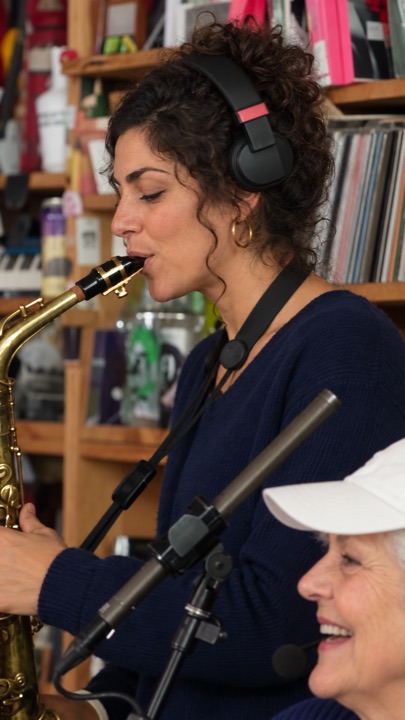
On TikTok
- Tap + and upload the version with the song. If the preview plays with sound, post it.
- If TikTok mutes it, go back and upload the silent copy.
- Tap Add sound, search "Outstanding" and pick the trend sound (the one with the most videos).
- Tap the sound’s scissor icon and slide it so the big laugh lines up at 0:05.
- Post. Linking the trend sound also helps people find your video from the sound page.
On Instagram Reels
- Create a Reel and pick the version with the song.
- If Instagram warns about the audio or mutes it, swap in the silent copy.
- Tap the music note, search "Outstanding" and pick the track.
- Drag the start point until the laugh lands at 0:05, then share.
Group chats, Stories and Shorts
WhatsApp, iMessage, Telegram and Discord don’t mute music, so send the version with the song. YouTube Shorts may limit a video with a detected song; add the sound from the Shorts library if that happens.
Questions
Why did TikTok mute my Tiny Desk video?
TikTok sometimes mutes uploads with a song it detects. Post the silent copy and add "Outstanding" from TikTok’s sound library instead.
What sound is the Tiny Desk trend?
"Outstanding", a 1982 funk song, from the end of a 2023 NPR Tiny Desk concert.
Do I get a version without music?
Yes. Every video comes with a silent copy for apps that mute music.
More Tiny Desk AI guides
All guides
How to make the Outstanding Tiny Desk AI video
Four steps from photos to a finished 18-second clip: which photo to use for each seat, what you get, how long it takes, and what to do if a face comes out wrong.
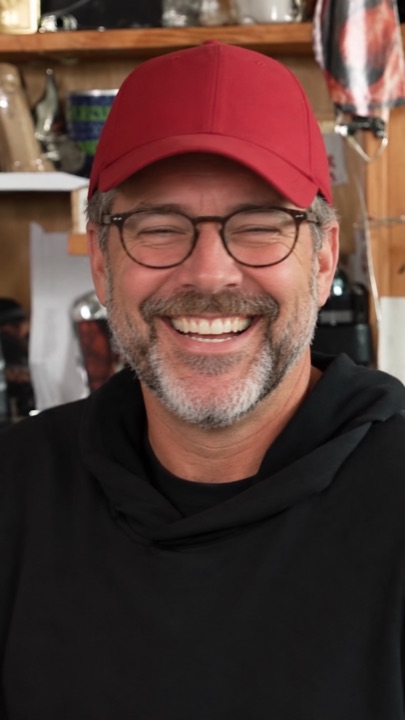
What is the Outstanding Tiny Desk AI trend?
Where the meme comes from: a 2023 NPR Tiny Desk concert, a 1982 funk song, and the AI face-swap edits that took over TikTok in October 2026.
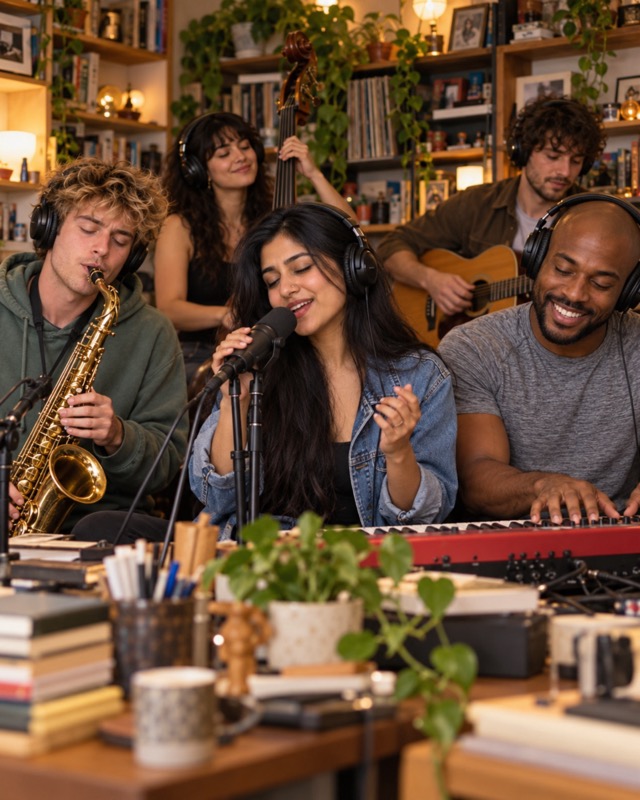
Is there a free Tiny Desk AI generator? 8 tools compared
What CapCut and free previews can and can’t do, and eight Tiny Desk AI generators compared on first-video price, people per video, resolution and sound.
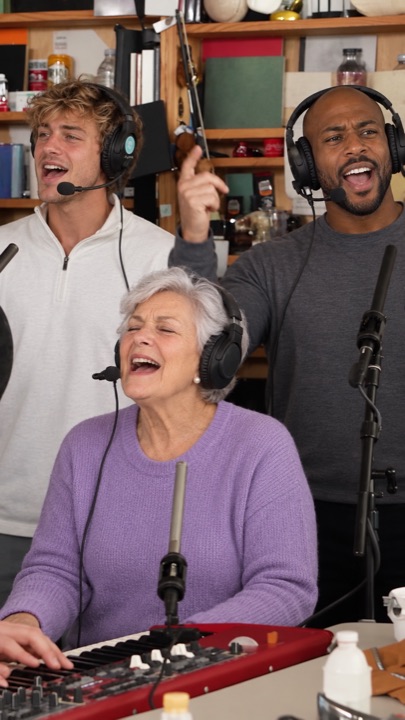
The Outstanding Tiny Desk AI template, shot by shot
The 18-second cut second by second: band, big laugh, sax solo, band again. Which seat shows up where, and why the AI version skips the side-profile opening.
Who’s on lead vocals?
Pick one person or the whole chat. Same price for 1 to 5 faces, song included.
Start the band →