 Try Tiny Desk AI
Guide
CapCut template vs AI generator vs doing it yourself
There are three ways to make the Outstanding Tiny Desk video: a free CapCut template, an AI generator that does it for you, or your own AI video model. They give very different results. What each one actually makes, what it costs, and how long it takes.
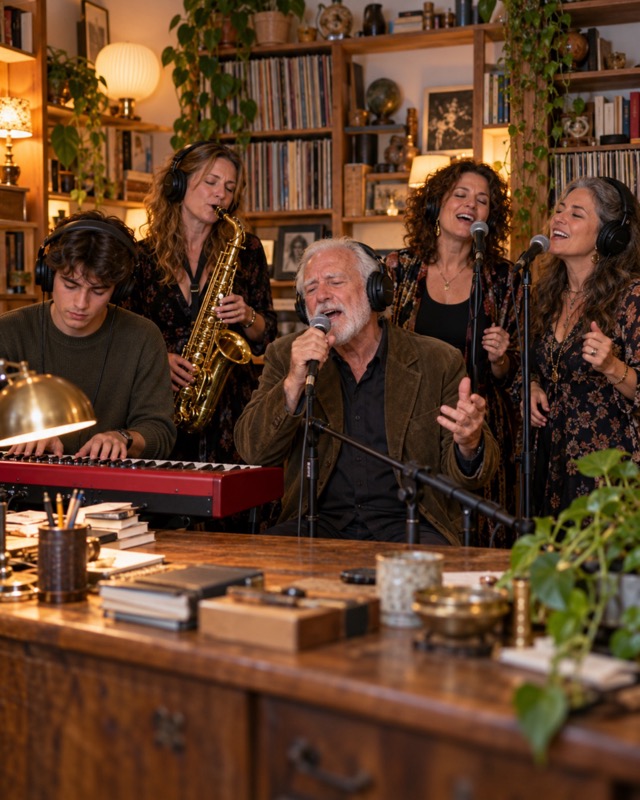
The three ways side by side
| CapCut template | AI generator | Your own AI model | |
|---|---|---|---|
| Your face in the performance | No, photos on top | Yes | Yes |
| People | Depends on the template | Varies: 1 photo to 5 seats | As many shots as you render |
| Time | 5 minutes | 7–10 minutes, hands off | About an hour of editing |
| Cost | Free | $7–10 for the first video | Paid renders per shot |
| Skill | CapCut basics | None | Prompting and video editing |
CapCut template
Free and quick: open the template, drop in photos, export. But you get the original performance with your photos placed over it or an effect on top, not your face singing. Good for a quick joke, not the AI look of the viral versions.
AI generator
You add photos and get the finished clip back. Generators differ in how many people they take, what they swap and the resolution; see 8 generators compared. Try Tiny Desk AI takes any 1 to 5 people for $9.90, swaps the whole person (face, hair, clothes) at 720p and gives you the song plus a silent copy.
Your own AI video model
Kling, Seedance and similar models can edit a reference clip with your photo if they have an edit or reference-to-video mode. You render each shot, check it, re-render the bad ones, then cut them to the template timing and lay the song back on. Full control, but it costs a render per attempt and takes about an hour. Our DIY prompts give you a starting point for each shot.
Which one to pick
- Just want a laugh in the chat in five minutes, for free: CapCut.
- Want your people actually singing it, with no editing: an AI generator.
- Enjoy editing and want to tweak every shot: your own model.
Questions
Is there a CapCut template for the Tiny Desk trend?
Yes, several. They give you the cuts and the song for free, but they don’t put your face into the performance.
Can I make it with Kling or Seedance myself?
Yes, with a model that has an edit or reference mode. Expect a paid render per shot and about an hour of editing. See the DIY prompts.
What is the easiest way to make the Tiny Desk AI video?
An AI generator: add a photo per seat and download the clip. Try Tiny Desk AI does any 1 to 5 people for $9.90.
More Tiny Desk AI guides
All guides
How to make the Outstanding Tiny Desk AI video
Four steps from photos to a finished 18-second clip: which photo to use for each seat, what you get, how long it takes, and what to do if a face comes out wrong.
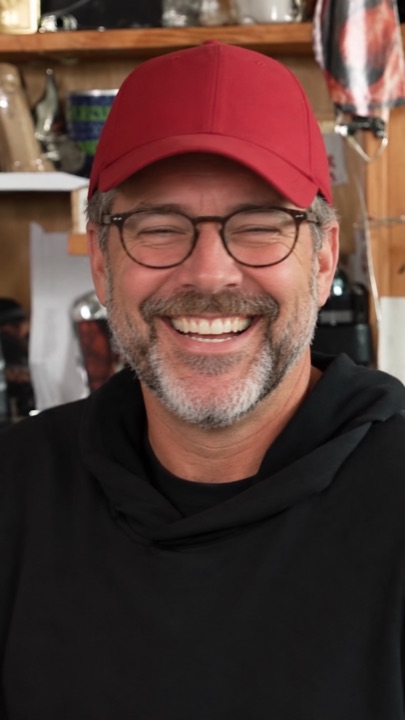
What is the Outstanding Tiny Desk AI trend?
Where the meme comes from: a 2023 NPR Tiny Desk concert, a 1982 funk song, and the AI face-swap edits that took over TikTok in October 2026.
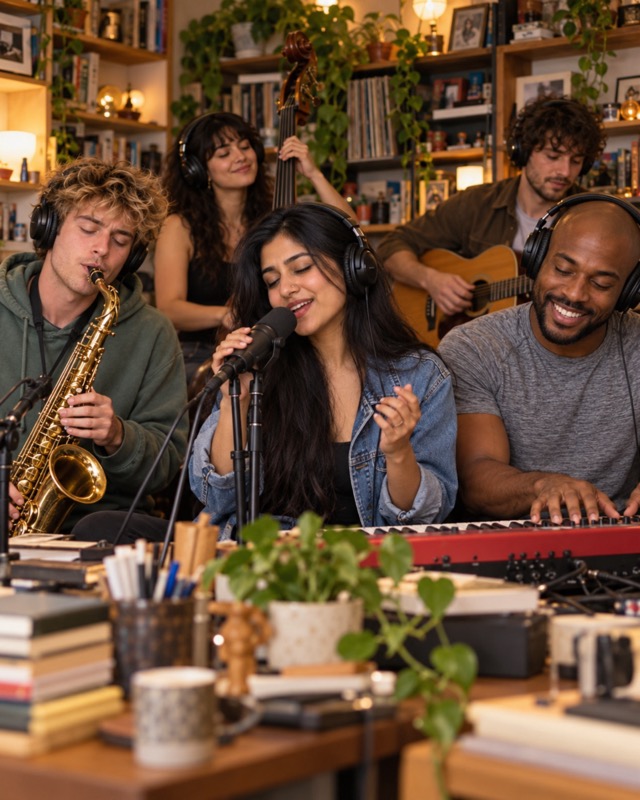
Is there a free Tiny Desk AI generator? 8 tools compared
What CapCut and free previews can and can’t do, and eight Tiny Desk AI generators compared on first-video price, people per video, resolution and sound.
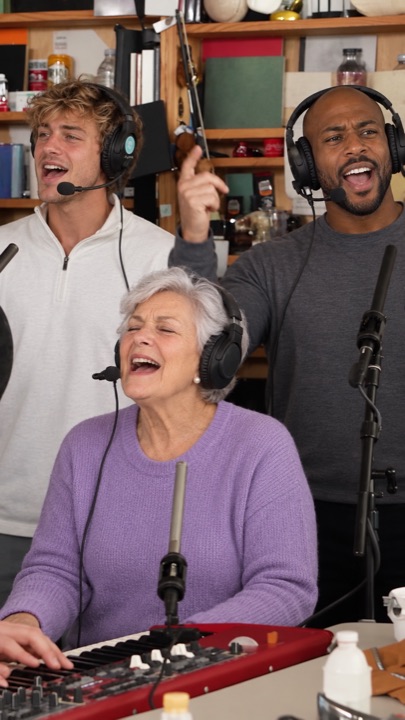
The Outstanding Tiny Desk AI template, shot by shot
The 18-second cut second by second: band, big laugh, sax solo, band again. Which seat shows up where, and why the AI version skips the side-profile opening.
Who’s on lead vocals?
Pick one person or the whole chat. Same price for 1 to 5 faces, song included.
Start the band →