 Try Tiny Desk AI
Guide
Tiny Desk AI video came out wrong? Fixes that work
Most Tiny Desk AI videos come out fine on the first try. When one doesn’t, the cause is usually the photo, sometimes the model, and occasionally the app you post it to. What you might see, why, and what to do about each, including when you get your credits back.

The face doesn’t look like them
The model rebuilds the face from one photo while the performer moves and turns, so it needs a sharp, front-facing face. Side angles, dark photos, filters and sunglasses all cost likeness. Redo it with a better photo (what works).
A seat still shows the cast, or a face appears late
Now and then the model misses a seat or swaps a face in only after a second or two. That is our side, not yours: email us within 7 days with the video and we return the credits.
A logo or odd print on the clothes
The model copies the clothes from the photo along with the face. Use a photo in a plain top.
The lip sync is off
Mouths follow the original performance, so they move on the beat but not word for word. If it is clearly out of time, email us within 7 days and we return the credits.
The render failed or was blocked
A failed render refunds its credits on its own; you will see them back in your balance. Renders can be blocked by our AI provider’s moderation, most often for photos of minors, nudity or public figures. Those can’t be made here.
The video is muted on TikTok or Instagram
The app muted the song. Post the silent copy and add the sound in the app (step by step).
When you get credits back
| Situation | What happens |
|---|---|
| Render failed or blocked | Credits return automatically |
| Finished video clearly broken (missed seat, face late, lips way off) | Email us within 7 days, credits returned |
| Pack not used at all | Refund within 14 days of purchase |
| Face less alike because of the photo | Not refunded; try a better photo |
Full details in the refund policy. Email support with your account email and the video.
Questions
Why doesn’t my Tiny Desk AI video look like me?
Usually the photo: a side angle, dark light, a filter or sunglasses. Use one sharp, front-facing face.
Do I get my credits back if it fails?
Yes. A failed or blocked render refunds its credits automatically. A finished video that is clearly broken gets its credits back if you email us within 7 days.
Why was my video blocked?
Our AI provider’s moderation blocks some photos, most often of minors, nudity or public figures. The credits come back on their own.
More Tiny Desk AI guides
All guides
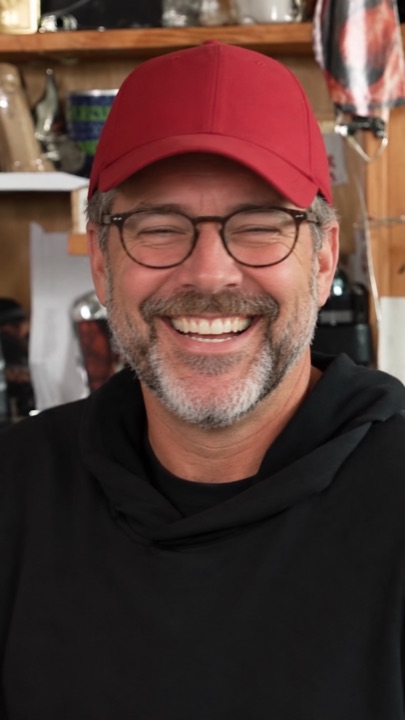
How to make the Outstanding Tiny Desk AI video
Four steps from photos to a finished 18-second clip: which photo to use for each seat, what you get, how long it takes, and what to do if a face comes out wrong.
What is the Outstanding Tiny Desk AI trend?
Where the meme comes from: a 2023 NPR Tiny Desk concert, a 1982 funk song, and the AI face-swap edits that took over TikTok in October 2026.
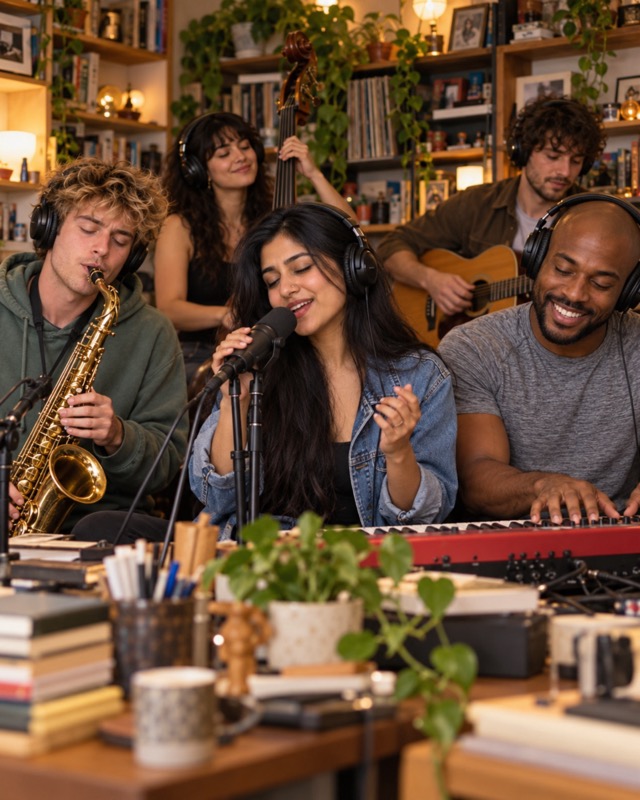
Is there a free Tiny Desk AI generator? 8 tools compared
What CapCut and free previews can and can’t do, and eight Tiny Desk AI generators compared on first-video price, people per video, resolution and sound.
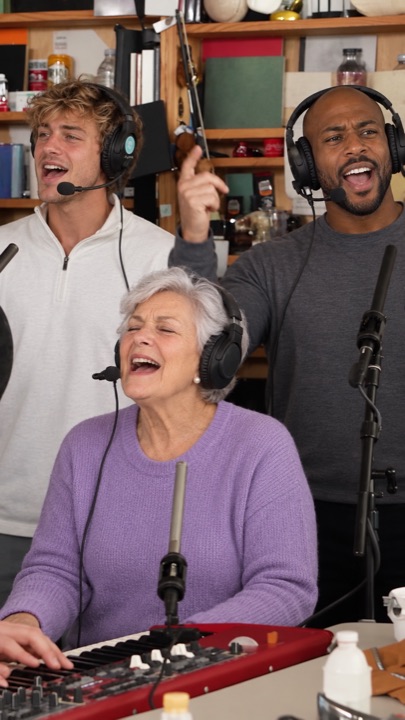
The Outstanding Tiny Desk AI template, shot by shot
The 18-second cut second by second: band, big laugh, sax solo, band again. Which seat shows up where, and why the AI version skips the side-profile opening.
Who’s on lead vocals?
Pick one person or the whole chat. Same price for 1 to 5 faces, song included.
Start the band →